The operator panel displays the message 80 “Replace maintenance kit” at required maintenance intervals. You must replace the fuser, transfer roller, pick roller, and separation roller at this interval to maintain the print quality and reliability of the printer.
Check the 2 digit type code on the fuser, or check Device Information using the embedded web server or the menus page for a replacement part number.
There are multiple warnings to indicate that the fuser is nearing end of life and that a maintenance kit is required, including error codes 80.0x, 80.1x, and 80.2x. If you receive error code 80.3x, the fuser has reached its rated life and the printer stops until a maintenance kit is installed. You must install the correct Fuser Maintenance Kit for the type of fuser that is installed in the printer.

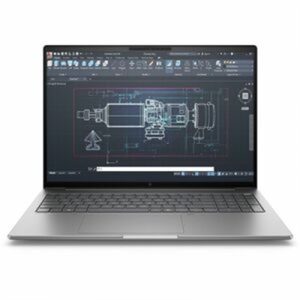 HP SmartBuy ZBook 8 G1i 16” Mobile Workstation | Intel Core Ultra 7 265H up to 5.3GHz | NVIDIA RTX 500 Ada 4GB | 32GB DDR5 | 1TB PCIe Gen 4 SSD | WUXGA IPS | Wi-Fi 7 vPro | Windows 11 Pro | SmartBuy 1 × $2,897.99


There are no reviews yet.